

Phone:
For restaurant owners
Your menu and promotions, on every screen
Dine360 turns the TVs in your restaurant into digital menu boards and promotion screens. You change prices and sold-out items from your phone; the screens update by themselves.
Already with us? Sign in
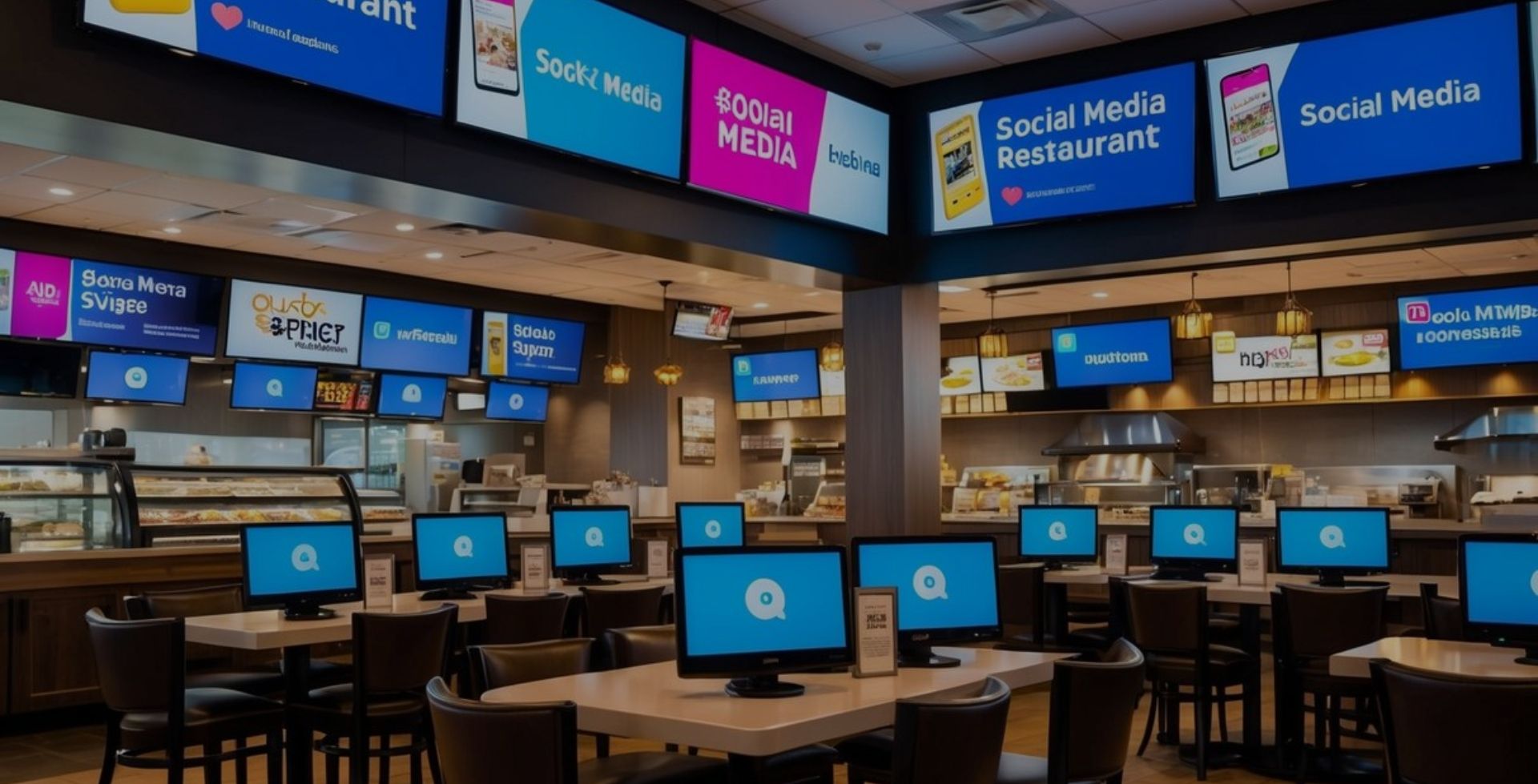
Digital menu boards
Your menu drawn sharp on any screen size, split into pages that turn by themselves. Choose which categories or pages each screen shows.
Sold out in seconds
Mark a dish sold out from your phone and every screen updates within a minute.
Specials and promotions
Show today's special, an event or a QR code for online ordering right beside your menu.
Works offline
Screens keep playing from memory if the internet drops, and catch up when it's back.
Alerts if a screen is off
We email you during opening hours if a screen stops, and again when it's back.
Two languages
Show dish names and descriptions in English and a second language side by side.
How it works
Up and running in four steps
1
Create your account
Add your restaurant, opening hours and how many screens you have.
2
Switch on your TVs
Install the Dine360 app on an Android TV, Fire TV or Android TV box and type the code shown in your account.
3
Load your menu
Type it in or import a spreadsheet. Choose what each screen shows.
4
Manage it from your phone
Change prices, mark items sold out and check every screen, any time.